When you sit down to work from home, the first thing you notice is your workspace. A cramped kitchen table or cluttered corner isn’t going to cut it — it makes everything feel chaotic and unproductive.
You don’t need a massive, expensive setup to be efficient or comfortable. All you really need are a few smart, practical gadgets that make your desk more organized, your workflow smoother, and your day a little easier.
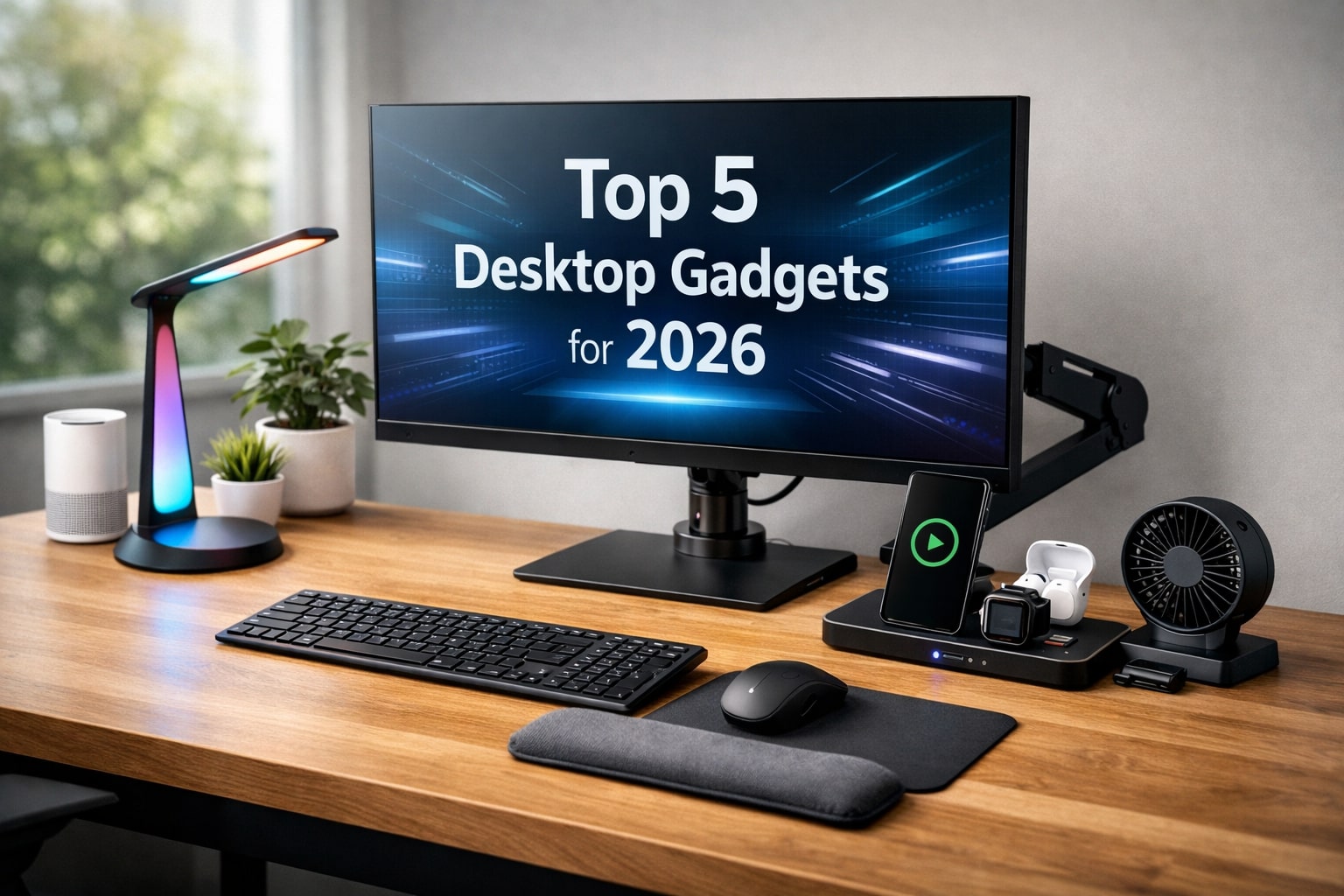
Here’s a list of the top 5 desktop gadgets for 2026 that will truly upgrade your workspace — from lighting and comfort to organization and productivity.
How Can You Set Up a Better Desk?
1_ Check your desk space: Make sure your desk can hold all your gadgets comfortably. A clutter-free surface makes everything easier to work with.
2_ Think about connectivity: USB-C and wireless devices reduce cable clutter and make it easier to move things around.
3_ Mind the noise: If you share your space or attend calls often, choose quiet gadgets for a more pleasant environment.
4_ Organize and match your style: Pick gadgets that suit your workflow and look good together. A tidy, stylish desk keeps you motivated and focused.
Even just a few smart choices can turn your desk from messy to efficient and enjoyable.
Smart RGB Desk Lights :
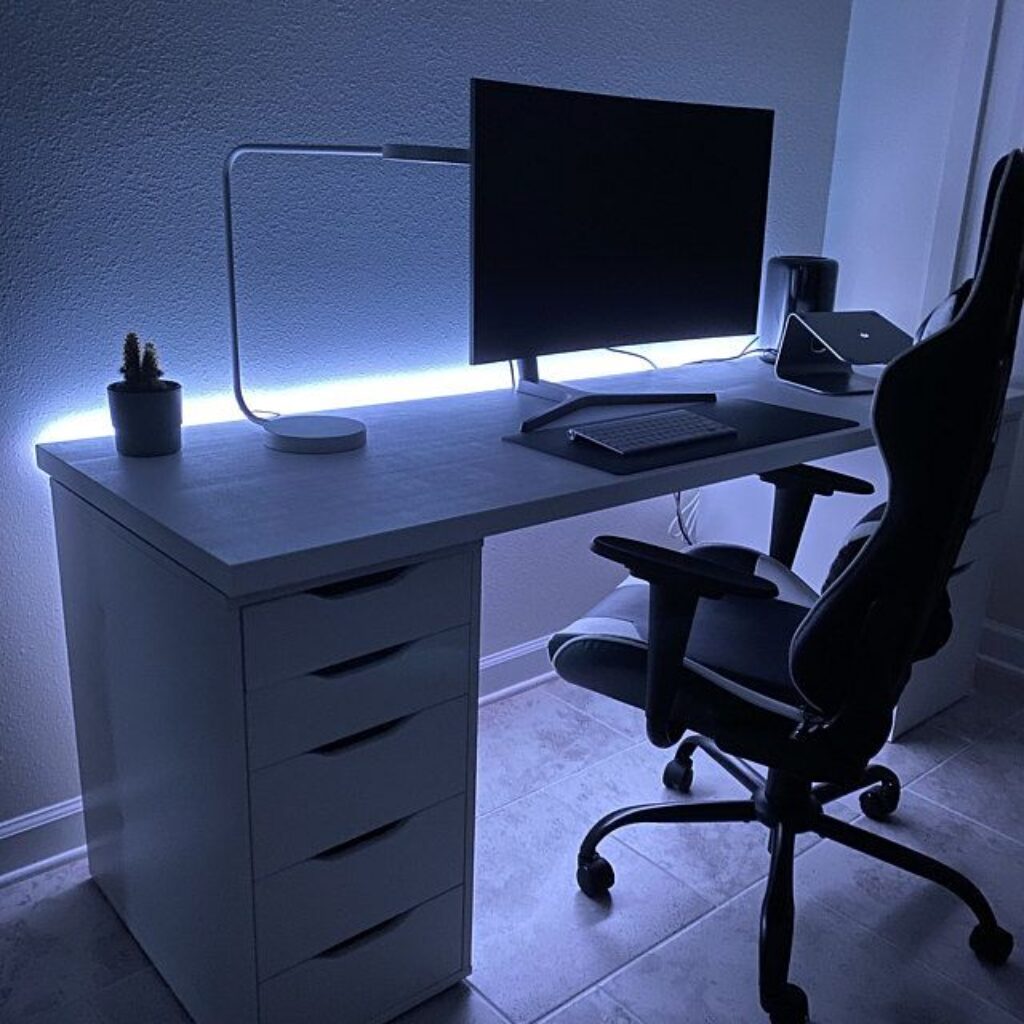
The first thing most people think about when setting up a workspace is lighting. Because let’s be honest, working under a harsh ceiling light or in a dim corner can make even the easiest task feel exhausting. What you need is a desk light that does more than just illuminate.
Smart RGB desk lights are perfect for that. I’m not talking about fancy, expensive models — just a lamp that gives you adjustable colors and brightness, so you can switch from focus mode to relaxation mode, or even create a fun vibe for gaming.
A sleek design matters too. You don’t want a bulky lamp taking over your desk — it should fit naturally with your setup, leaving space for your gadgets, paperwork, or even a cup of coffee. Some of these lights even come with extra features, like syncing with music or notifications, which can make your desk feel alive without being distracting.
So why bother? A good desk lamp protects your eyes, improves your mood, and makes those long hours at your desk far more comfortable.
tip: if you can, go for one with wireless charging or USB ports built-in — it’s one small upgrade that makes a big difference.
Multi-Device Charging Stations :
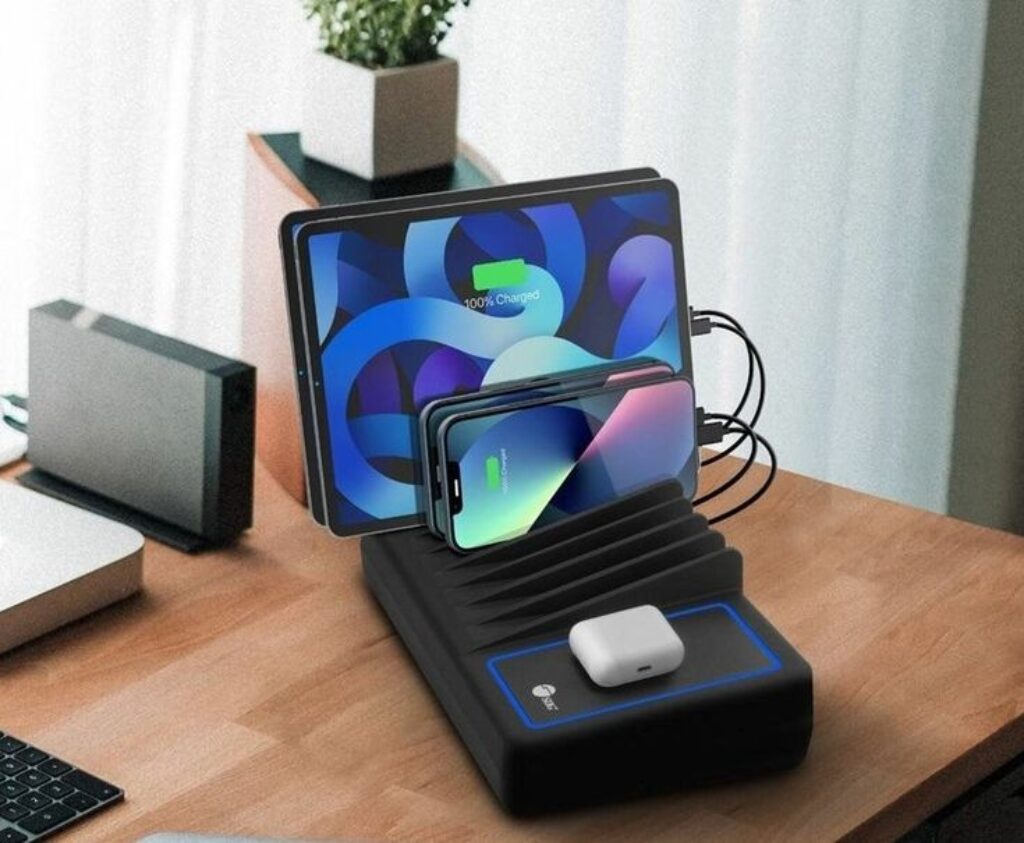
You know that moment when you sit at your desk and realize every device you own is running out of battery? Phones, tablets, earbuds, smartwatch… suddenly, your workspace looks like a spaghetti of cables. Frustrating, right?
A multi-device charging station fixes that problem instantly. Imagine having one neat hub where all your gadgets power up at the same time. No more hunting for chargers, swapping cables, or unplugging one device to plug in another.
The best part? These stations are usually compact enough to fit anywhere on your desk, but still powerful enough to handle everything you need. Some even come with fast-charging ports or USB-C support, so you’re always ready to go.
It’s more than just convenience — it’s a little sanity saver for your workday. A tidy charging station keeps your desk clean, your devices powered, and your focus uninterrupted.
See how Multi-Device Charging Stations from the Top 5 Desktop Gadgets to Upgrade Your Workspace in 2026 keep your desk organized by Michael Soledad :
Wireless Keyboards & Mice :
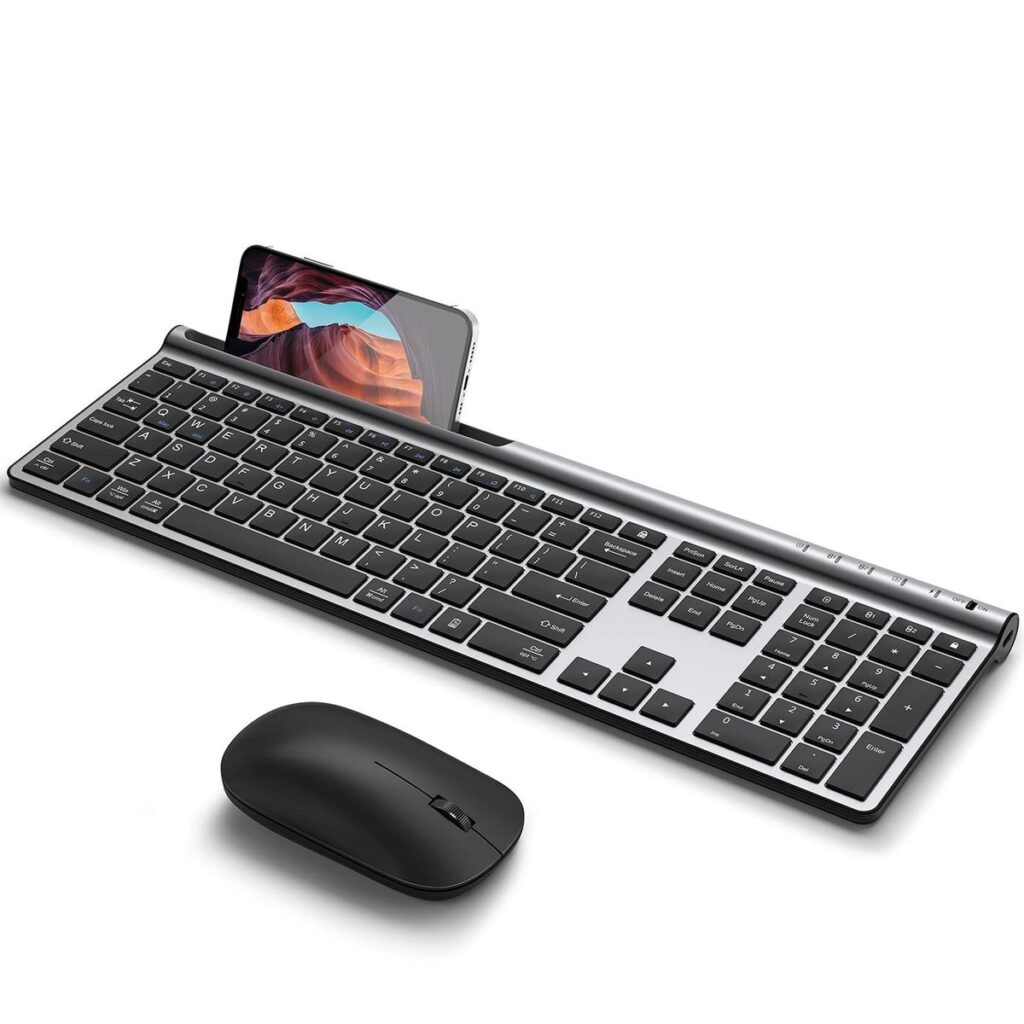
You don’t really think about your keyboard and mouse… until you spend eight hours using them. Suddenly, stiff wrists, noisy clicks, and awkward cables become impossible to ignore. That’s when a wireless keyboard and mouse stop being optional and start feeling essential.
A well-designed wireless combo makes your workday smoother without you even noticing. No cables to fight with, no awkward positioning — just clean movements and a desk that feels lighter. Ergonomic shapes help your hands stay relaxed, which matters a lot when you’re typing or clicking all day long.
Another underrated benefit is flexibility. Many modern wireless keyboards and mice can switch between multiple devices, so you can move from your desktop to your laptop or tablet with a single tap. It’s simple, but incredibly practical
Want to explore even more keyboard options for your workspace? Check out our full guide to the best keyboards for your computer to find the perfect match for comfort, productivity, and styleComfort & Wellness Gadgets :
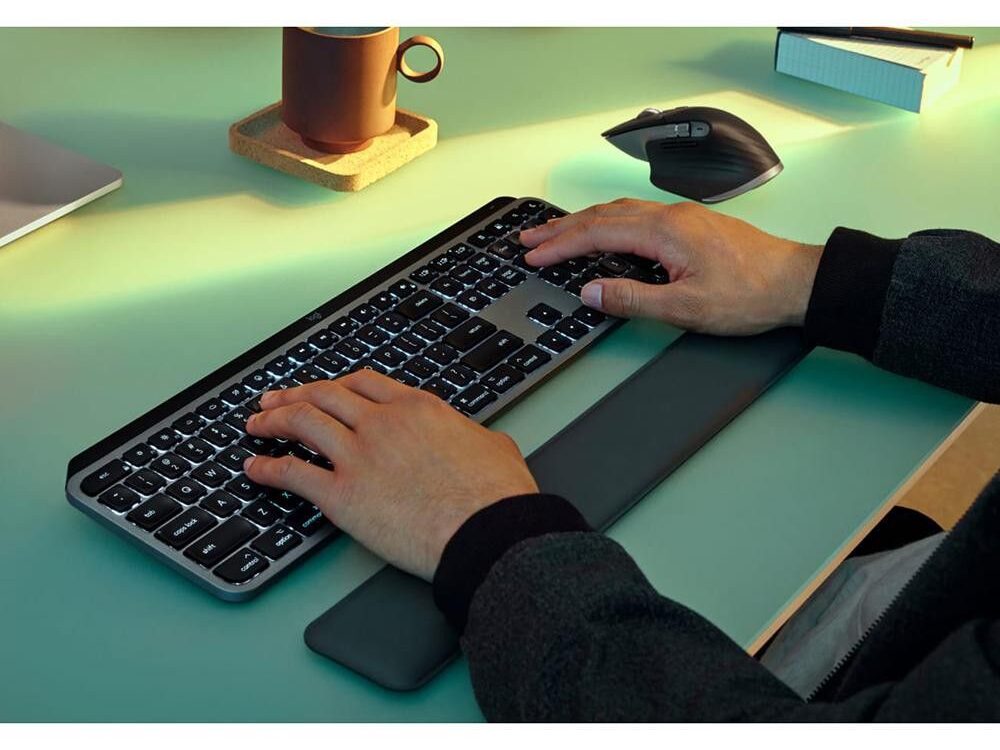
At some point during the day, your work stops being the problem — your body does. Dry air, cold hands, stiff wrists, or that constant feeling of discomfort slowly creep in, and before you know it, your focus is gone. That’s where comfort and wellness gadgets quietly make a difference.
Things like mini air purifiers, small desk fans, compact heaters, or ergonomic wrist rests don’t scream “tech upgrade,” but they work in the background, keeping your environment comfortable without demanding attention. You don’t notice them much — until you remove them.
What makes these gadgets special is that they’re personal. They adapt to your space and your needs, whether you’re working at a tiny desk or a full home office setup. More importantly, they help you build a workspace that feels human, not exhausting.
If you want to explore more portable wellness gadgets that improve comfort during long workdays, there’s a helpful guide covering compact devices like mini fans, heated tools, and relaxation tech. You can learn more in this portable wellness gadgets guide .
Monitor Arms & Stands :
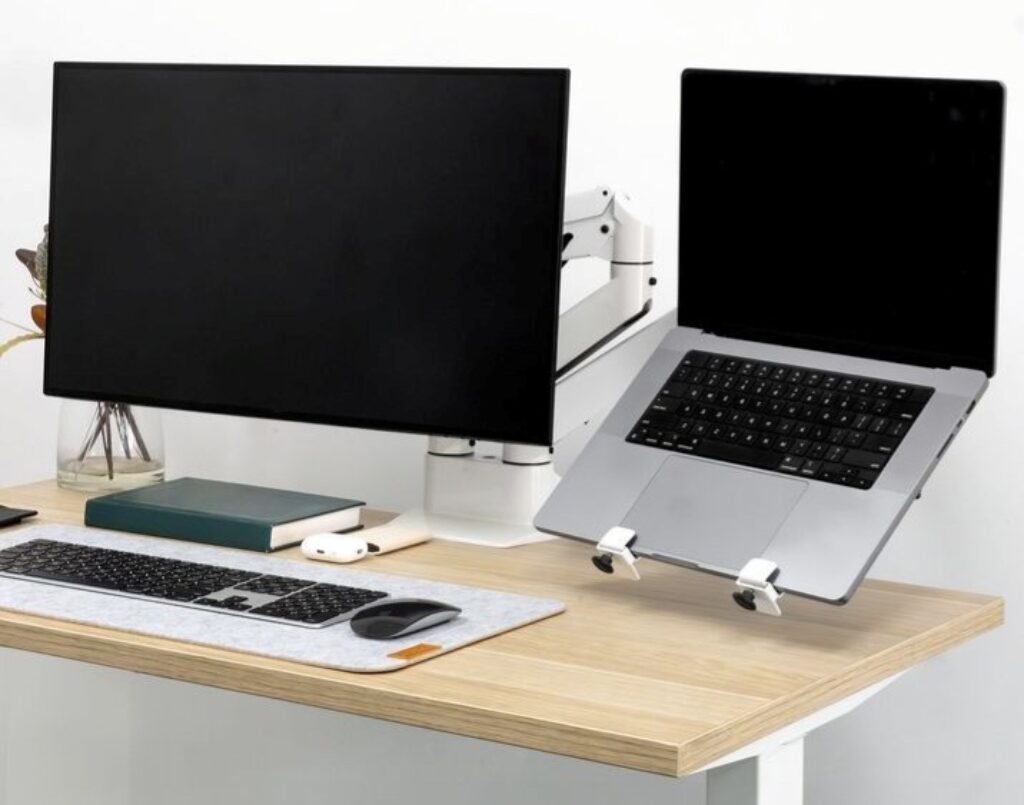
One thing people don’t realize until they try it is how much space a monitor actually eats up. The moment you place it on your desk, you lose room for movement, notes, and even your keyboard positioning. That’s where monitor arms and stands quietly change everything.
By lifting your screen off the desk, you instantly gain more breathing room. Your monitor floats at eye level, your posture improves, and suddenly your desk feels bigger without actually being bigger. It’s one of those upgrades that feels small at first, but once you use it, there’s no going back.
Another underrated benefit is flexibility. A good monitor arm lets you adjust height, tilt, and distance depending on how you work. Whether you’re typing, designing, coding, or watching content, your screen finally works with you instead of against you.
Beyond ergonomics, there’s also the visual side. A monitor arm gives your setup a clean, modern look, especially if you care about cable management and minimalism. It’s practical, subtle, and incredibly effective.
Tip: if you’re using a large or ultrawide monitor, make sure the arm supports its weight and size — stability matters more than looks here.